The only Calendar an ADHD brain needs
If you have ADHD, "I'll do it later" can be hard to come back to. Putting each task on a calendar gives it a time of day, so you don't have to hold it in your head. Here's why that helps so much.
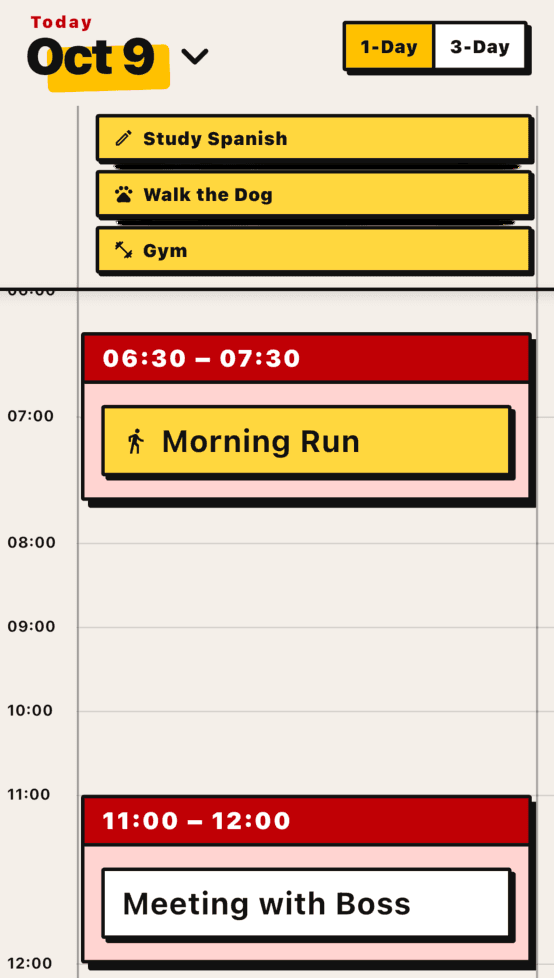
Same tasks, two different days
- call dentist (later)
- emails (sometime)
- groceries (tonight maybe)
- deep work (when I feel ready)
- 9:00 – 9:30Emails
- 10:30 – 10:45Call dentist
- 13:00 – 15:00Deep work
- 16:00 – 16:45Groceries
A block isn't a promise. It's a place to start
What changes when your tasks have a time
- 1
You see how much day you have
With ADHD, a day feels endless in the morning and gone by 4. On a timeline you can see how much actually fits.
- 2
Starting gets easier
When the block starts, you start. No deciding, no waiting until you feel ready.
- 3
The day has an end
When the last block ends, you're done for today. Not "done when everything is done."
How to block a day
- 1
Pick a few tasks to do
Pick a few tasks that matter today and leave the rest for tomorrow.
- 2
Set how long you think it will take
Put each task on the calendar with the amount of time you think it needs.
- 3
Put the hard one first
Give the task you most want to avoid the earliest block you can, since your energy runs out as the day goes on.
- 4
Leave gaps
Leave some gaps between blocks so one slow task doesn't push over the whole day.
- 5
Move blocks, don't drop them
When something slips, drag it to a new spot instead of dropping it, because a moved task is still a task.
Organize your day with Vibe Todo
Drag a task onto the day and it gets its own block, so nothing overlaps. If something runs long, you just move the rest, which is about as simple as a day plan can be.
Vibe Todo is free to start and doesn't need an account.