Simple To-Do List App for Everyone
A simple to-do list app that keeps your tasks in plain sight. Vibe Todo helps you focus on what matters. Calm, visible, and impossible to forget.
No account needed to start.
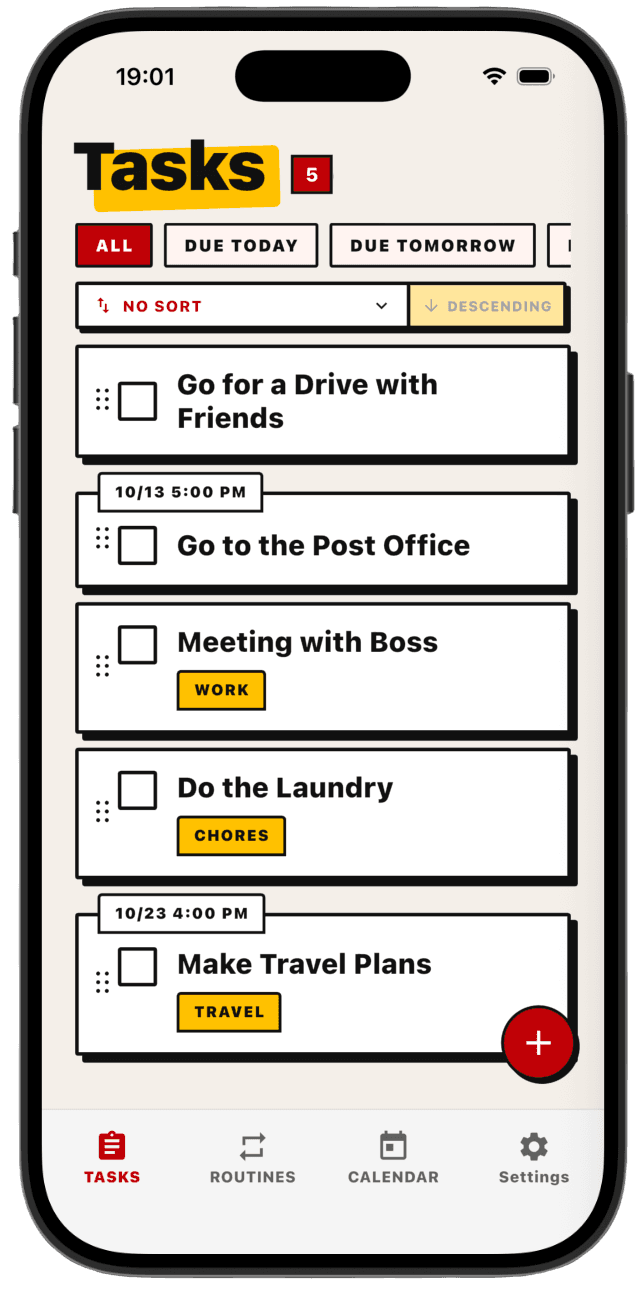
Features Inside of our App
A simple task list
Keep all your tasks in one clean list. Add a task, check it off, and it's gone. No folders to set up and no endless backlog, just the things you actually need to do. Free for up to 20 tasks (finished ones included).
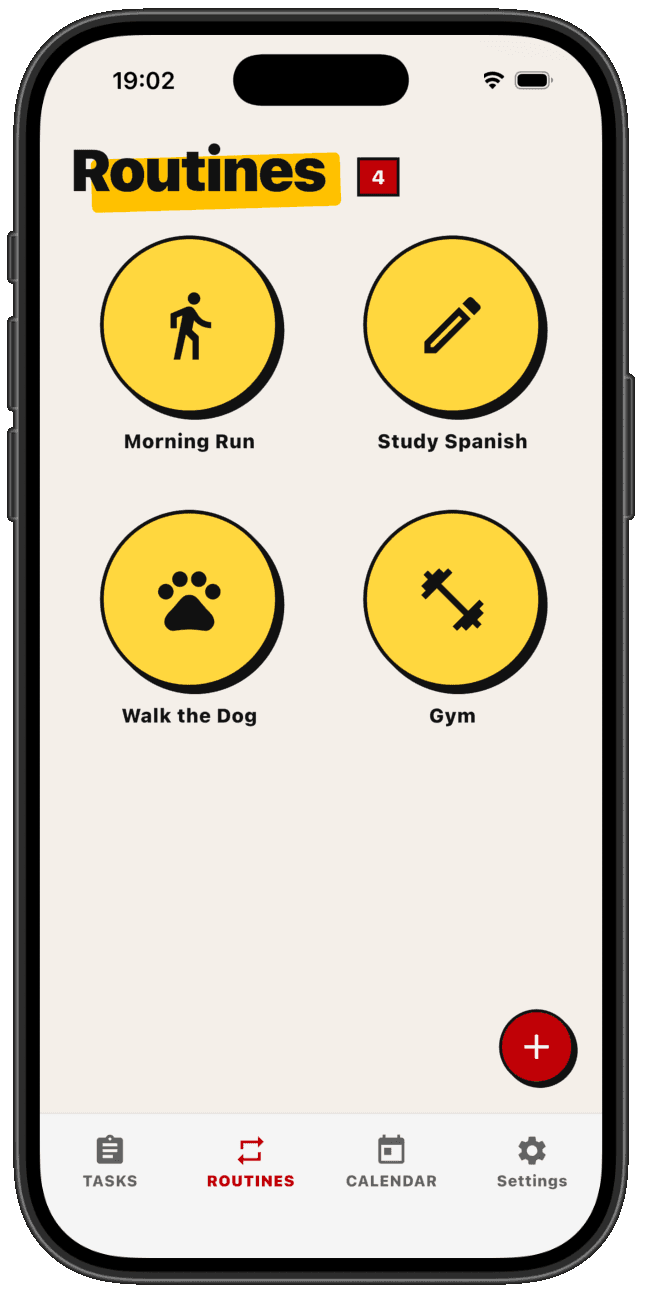
Routines
Add the things you do again and again, like a morning run or walking the dog, and pick the days they happen. Each one is a big circle you tap to check off for the day. Give a routine a start time and a length, and it shows up on your calendar too.
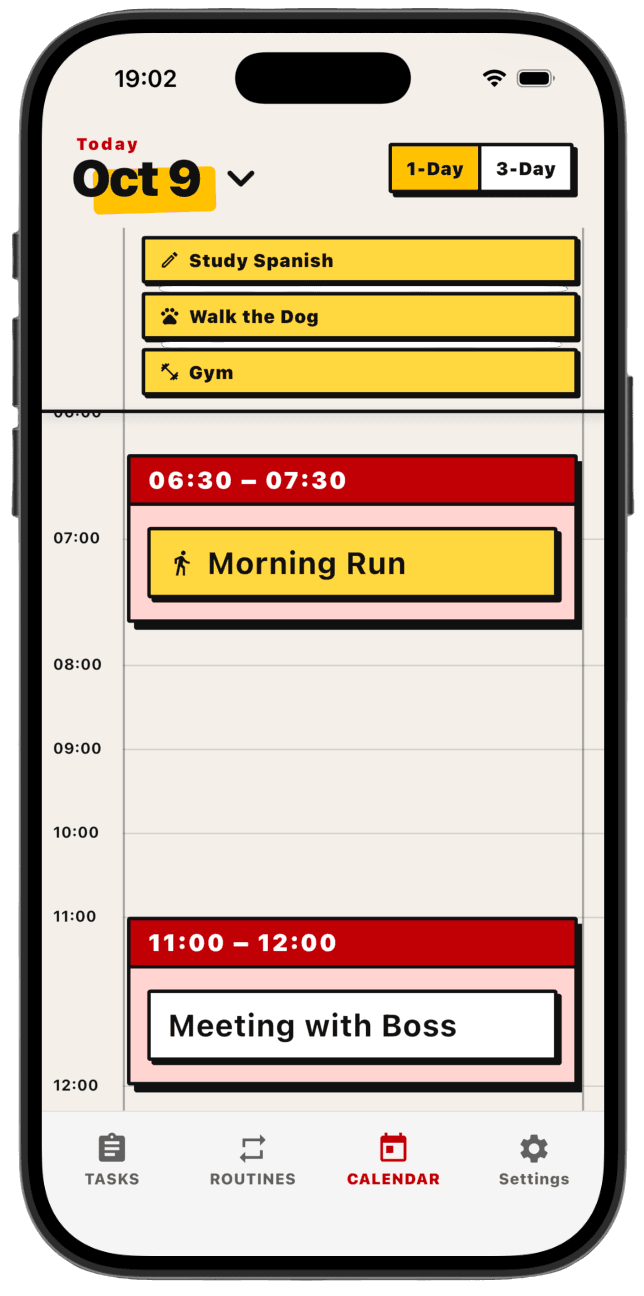
Simple Calendar
See your day as a simple timeline in 15-minute blocks. Drag a task onto it to give it a real time. Each task can only sit in one block, so nothing gets double-booked.
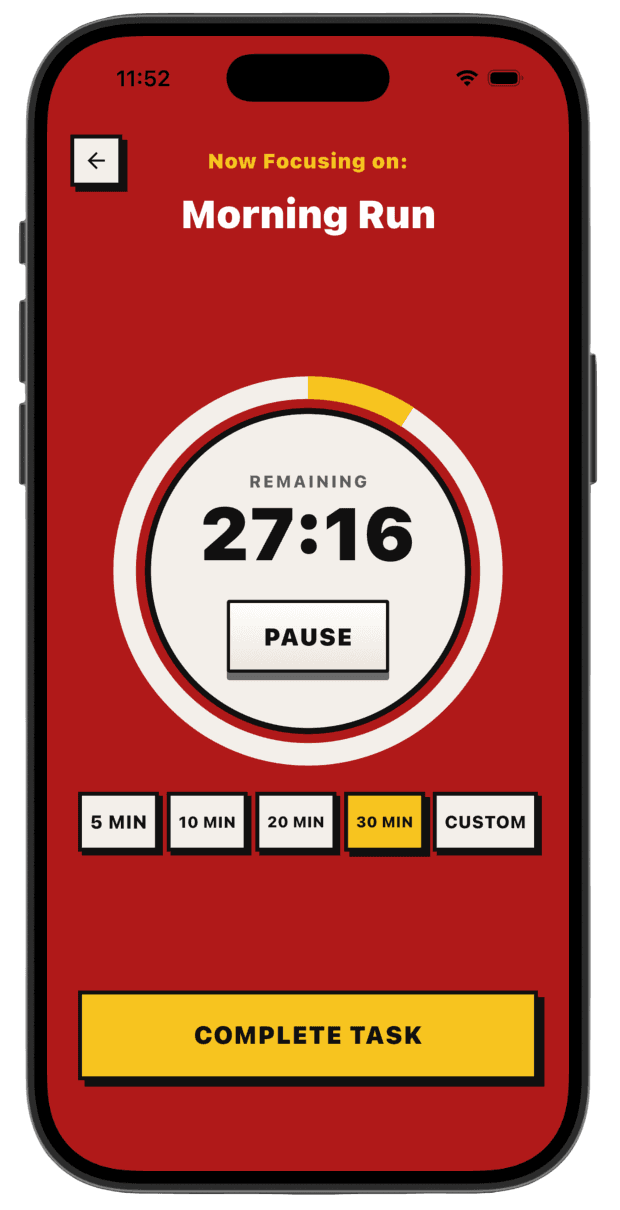
Focus tasks
Pick one task or routine to focus on and start a timer. The focus screen shows just that and a countdown, so you work on one thing at a time. Choose a 5, 10, 20, or 30-minute timer, or set your own length down to the second. If you keep going past zero, the timer counts your overtime.
Home-screen widget
Put a widget on your home screen that shows the task you're focusing on and how much time is left. Pause the timer or mark the task done right from the widget. While the timer runs, the countdown also stays on your lock screen.
Filter Tags
Add tags to your tasks and tap a tag to filter the list down to just those. Good for grouping by project, place, or whatever you want.
Task Reminders
Set a time on a task and get a notification when it's due. Simple reminders that tell you what to do and when, without overdue counters or guilt.
A to-do app should be simple. We leave out the features you don't need so it stays easy to use.
Most apps keep piling on options until they become a chore to use. Vibe Todo goes the other way. It sticks to the basics that help you get things done and skips the rest. That keeps it quick for anyone, and especially easy if you have ADHD, where extra clutter just gets in the way.
Start free. Upgrade whenever you want.
Free
Everything you need to get going
- Up to 20 tasks (finished ones included)
- Today calendar & basic list
Pro
For when your whole life runs on it
- Unlimited tasks
- 3-day calendar
- Tags, filters & reminders
Premium
For seeing how your weeks actually went
- Everything in Pro
- Focus mode with timer
- Routines
- Month calendar
- Weekly and monthly insights
- Completion counts, per-day breakdown, focus time
- Home-screen widget & lock-screen countdown